
Personalized wall art · DIY kit
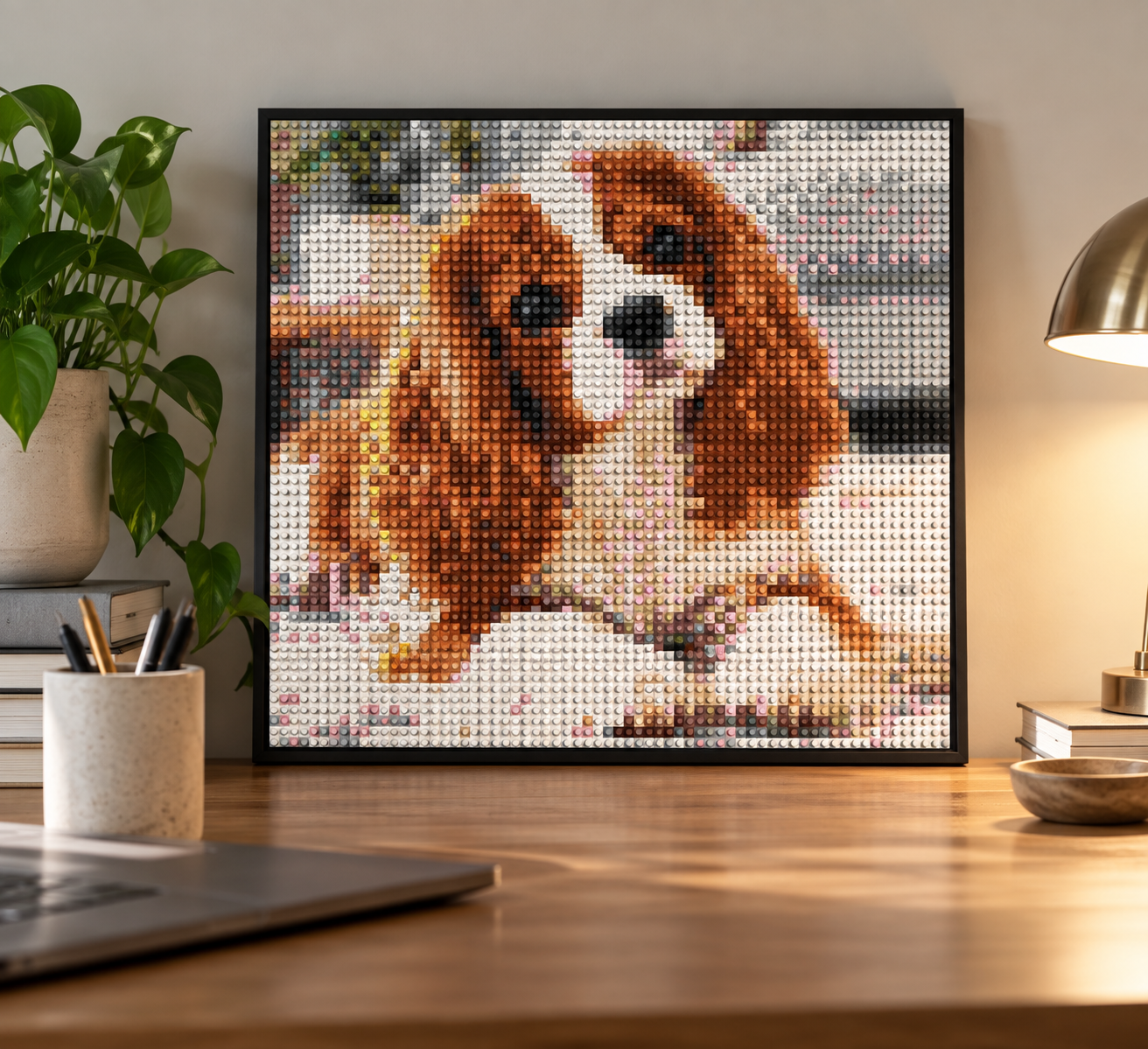
Turn Your Photos Into Custom Brick Mosaic Art
Create personalized brick mosaic art from your favorite photos. Upload a picture, customize your design with our free online brick mosaic maker, and preview your artwork before ordering a complete DIY brick art kit.
How It Works
From your photo to a custom kit in just a few clicks.

Upload Your Photo
Choose a photo of a pet, family, travel, or anything you love.
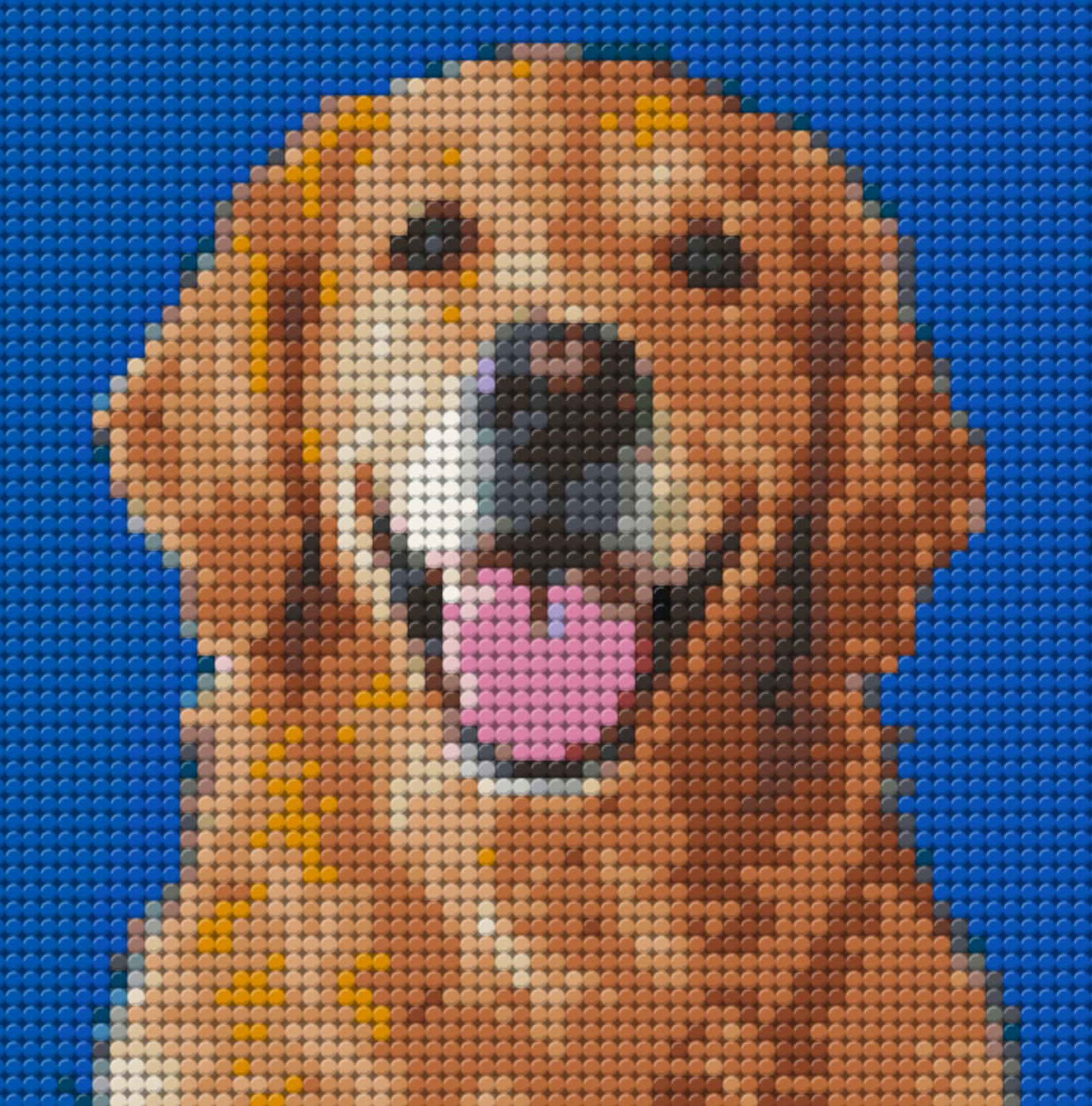
We Create Your Custom Mosaic Art
Your photo becomes a detailed tile-by-tile design.
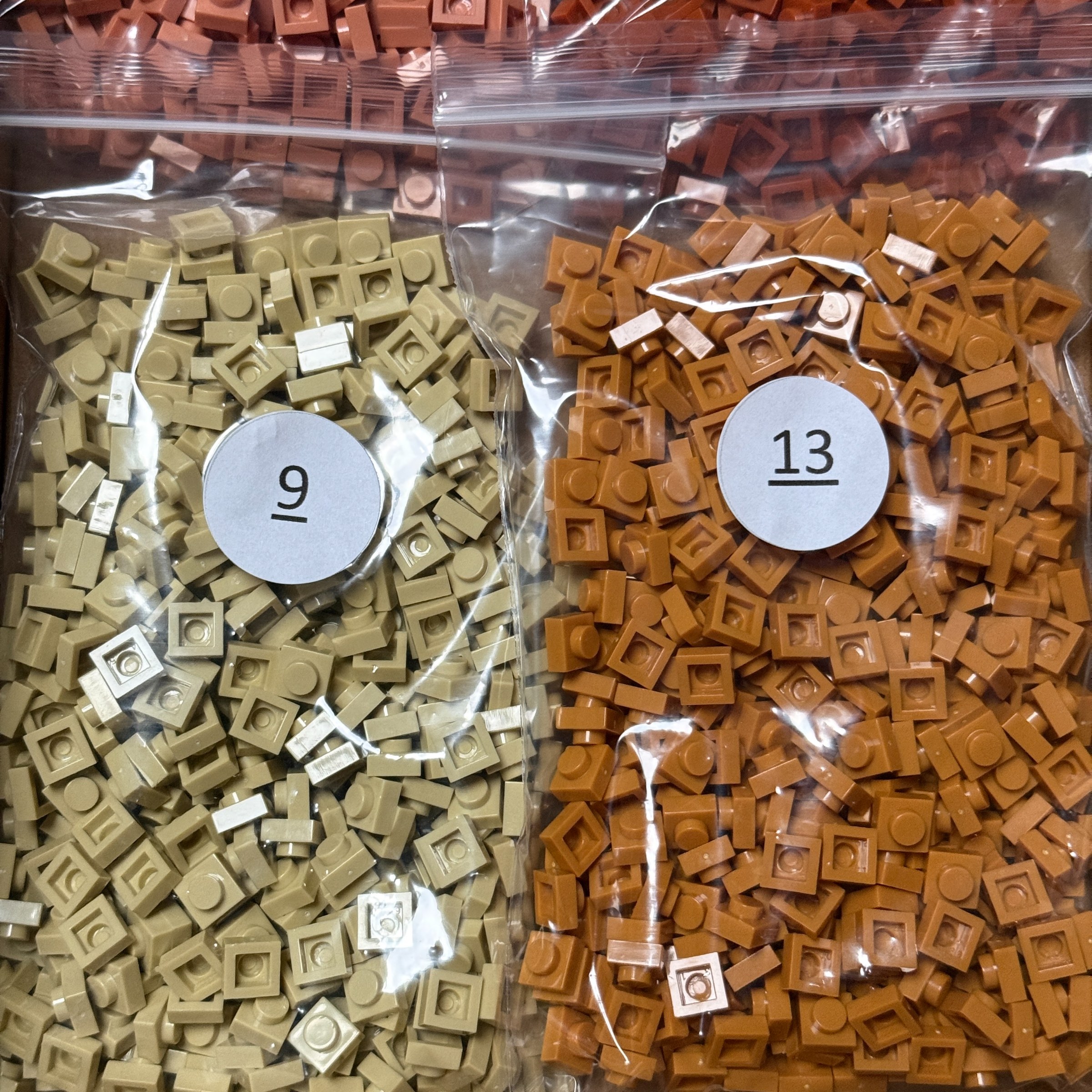
Receive Your Kit
Every tile, backing panel and guide arrives ready to build.
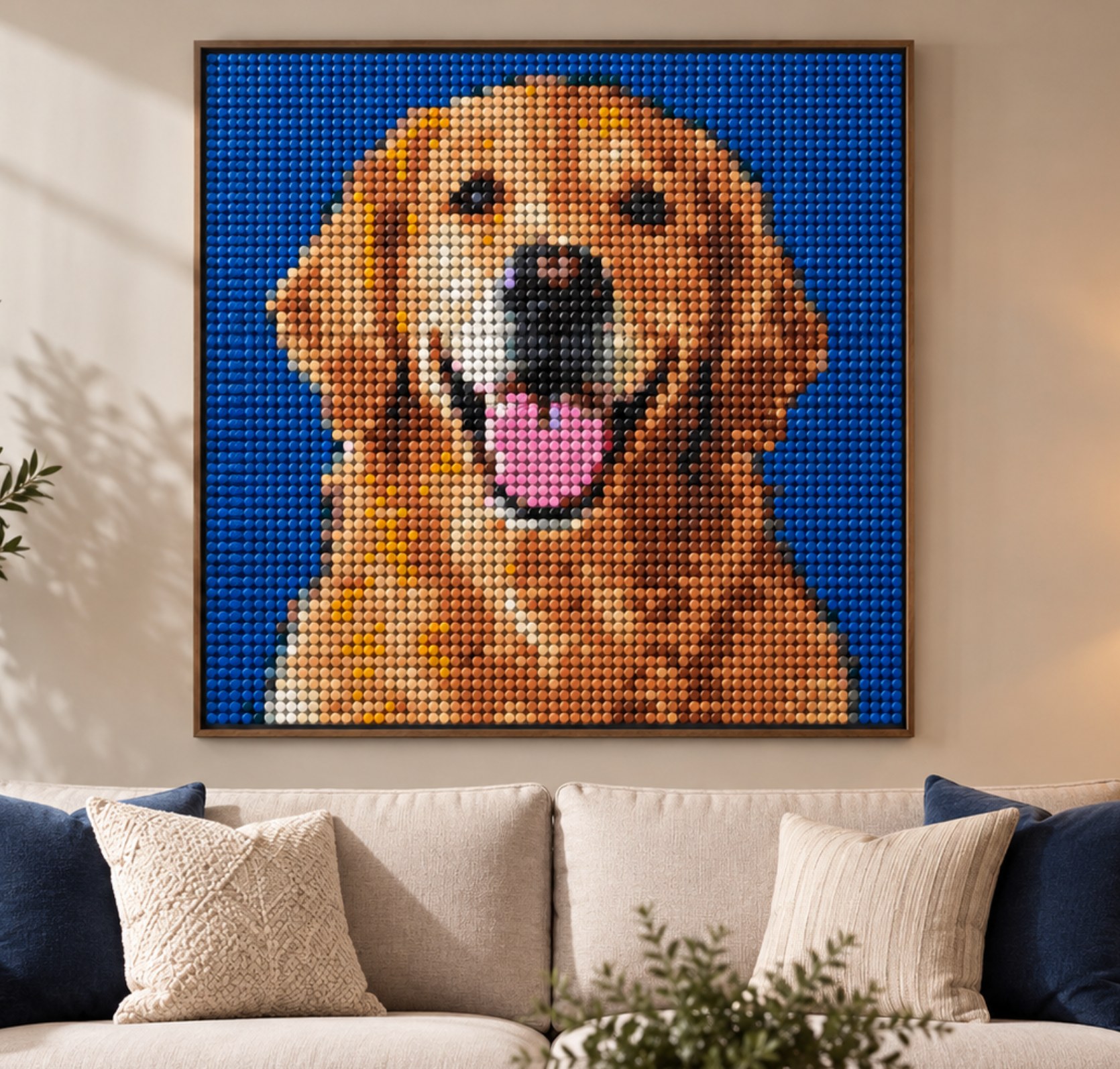
Build & Display
Assemble it yourself and create wall-worthy art.
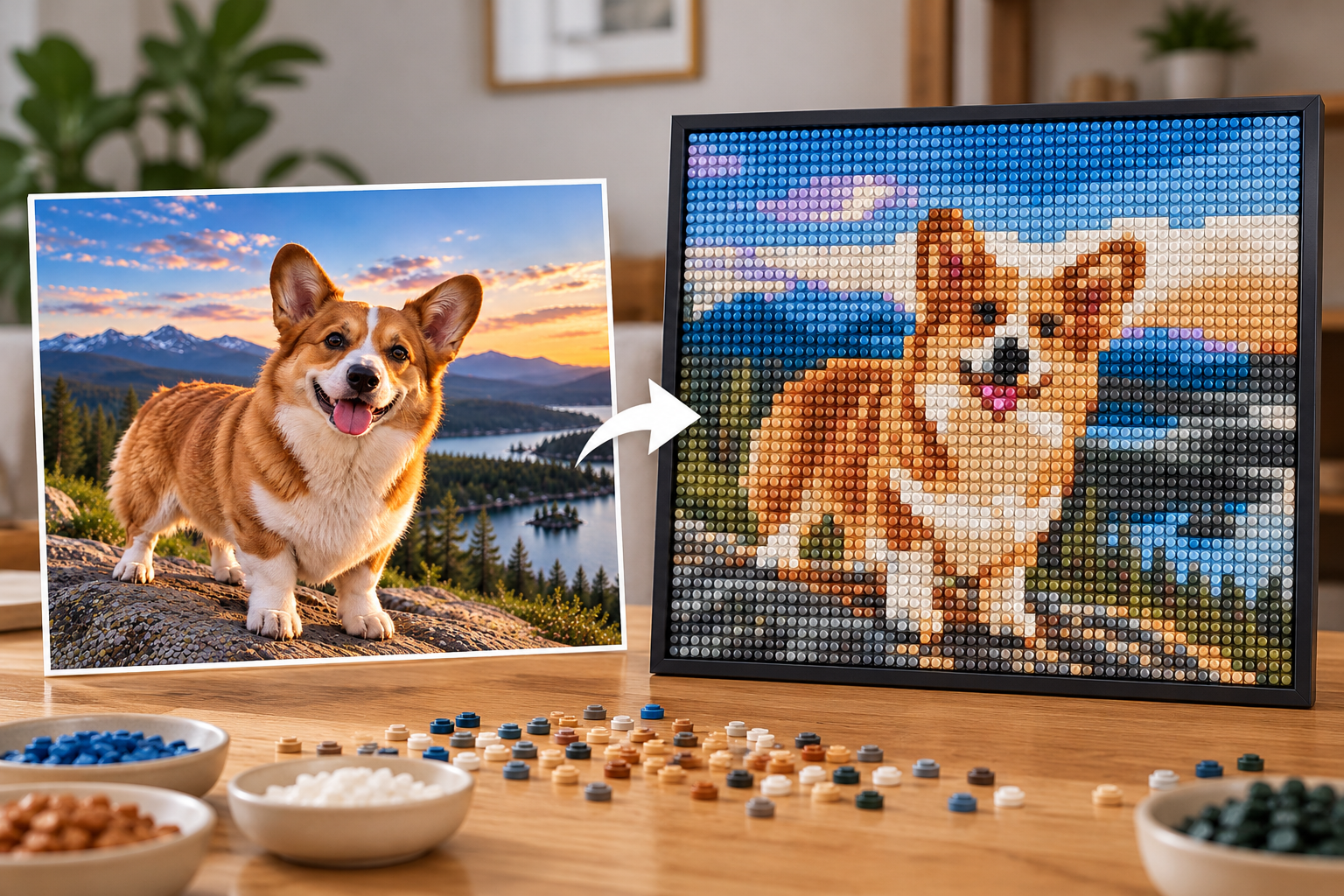
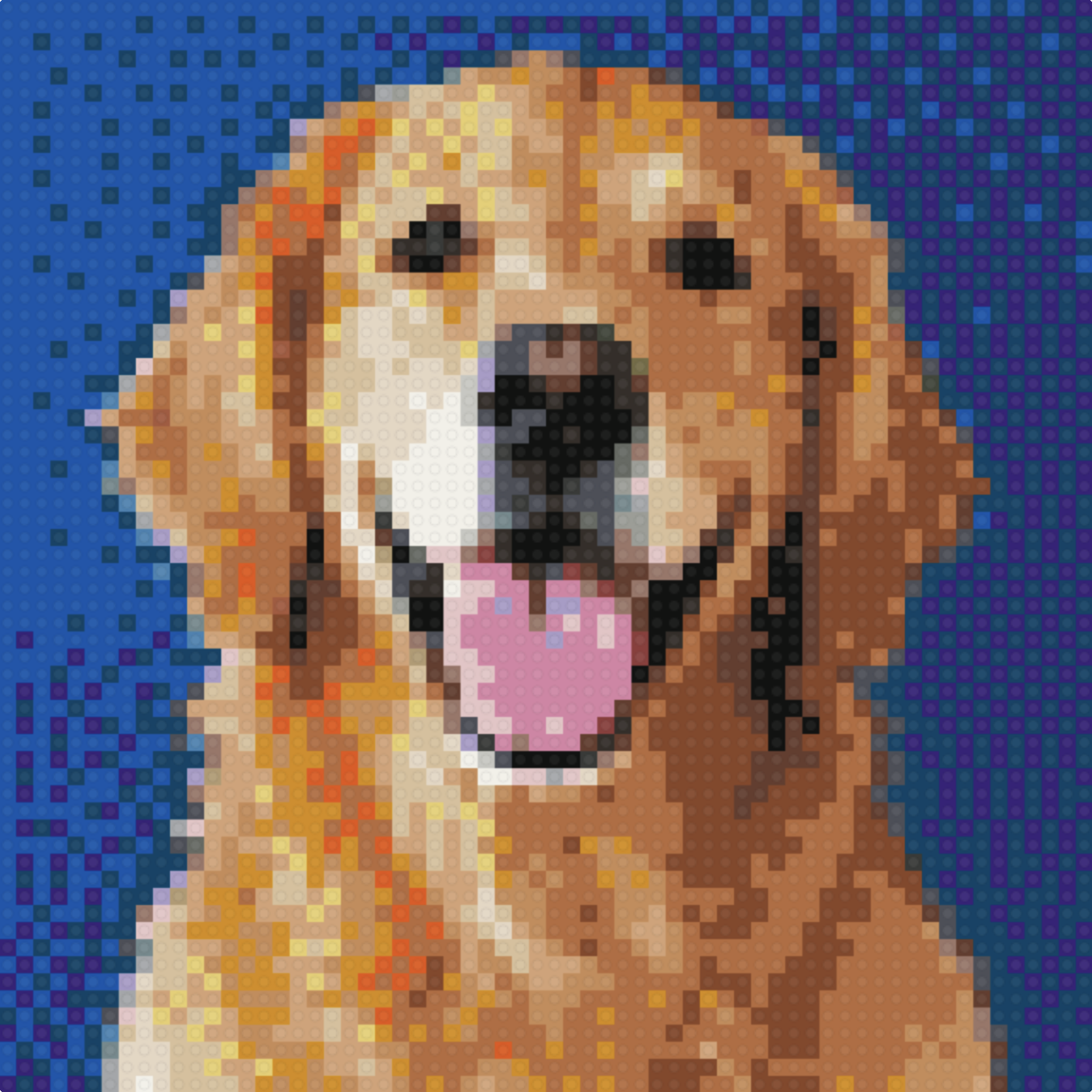
Example artwork
The original, and the build.
Available sizes
From desk-sized to statement piece.
How you build it
One panel at a time.
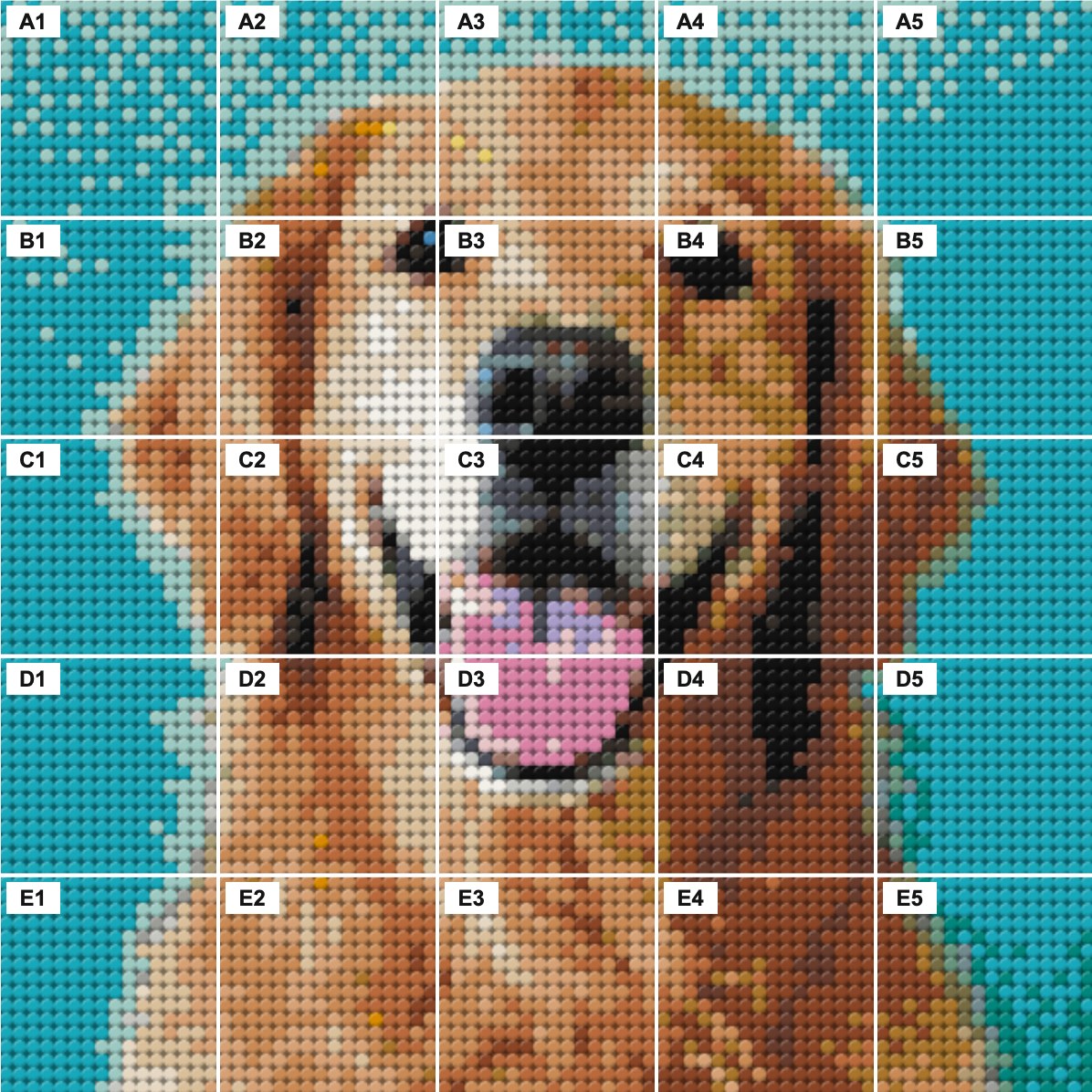
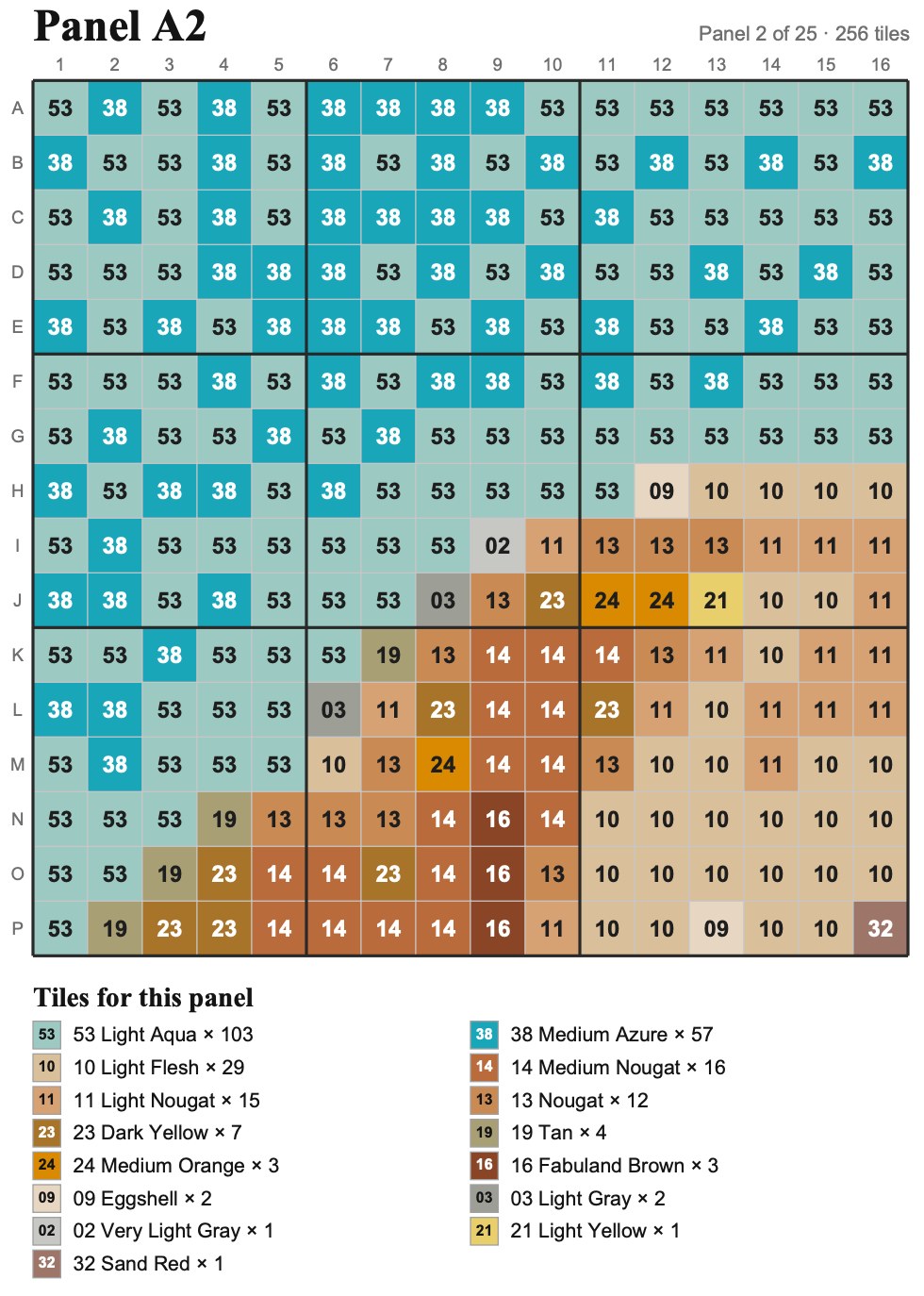
Your artwork is split into labeled 5″ panels — A1, A2, B1 and so on. Each panel holds exactly 256 tiles at 0.3125″ square each. Follow its numbered diagram, then arrange the finished panels using the layout map.
Popular Gift Ideas
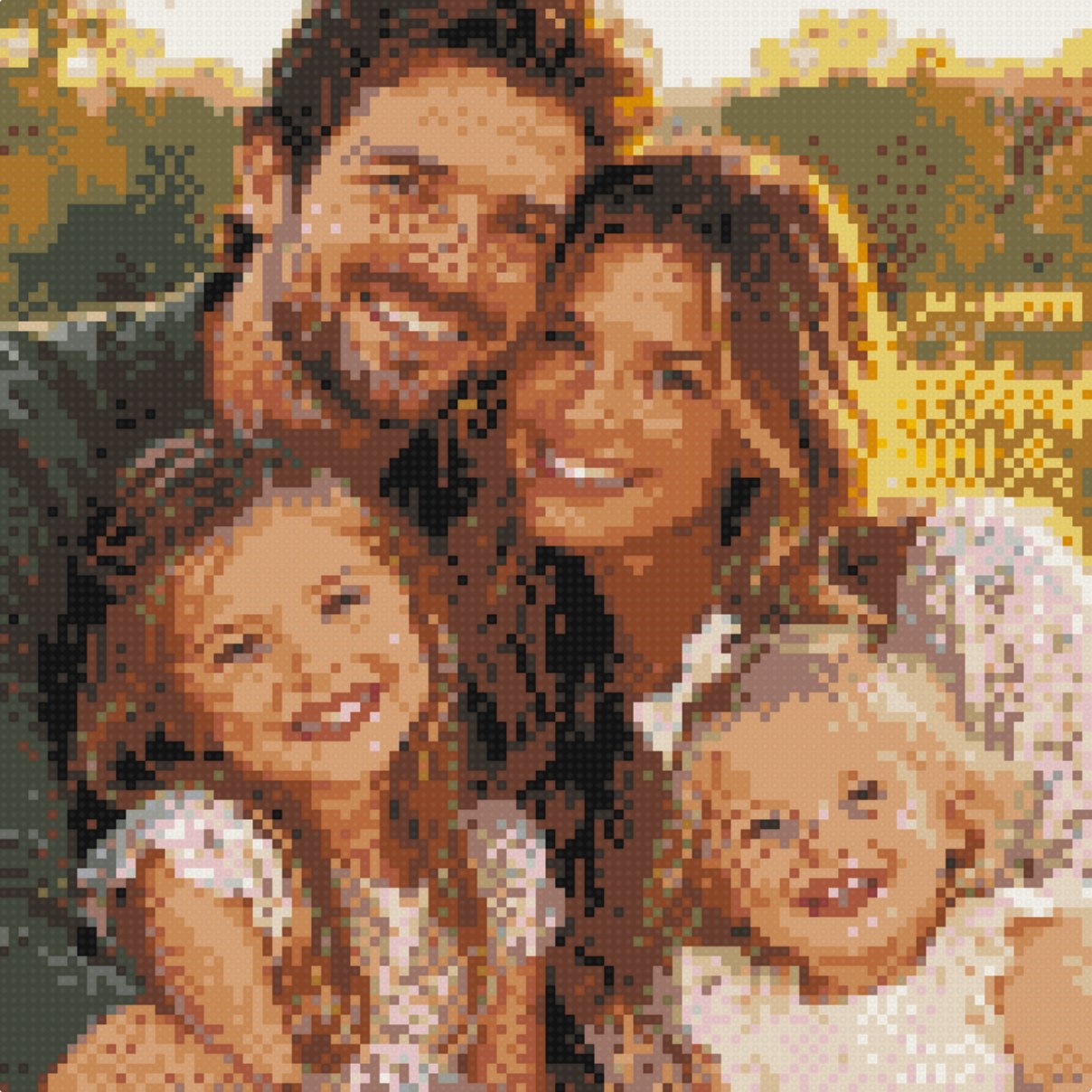
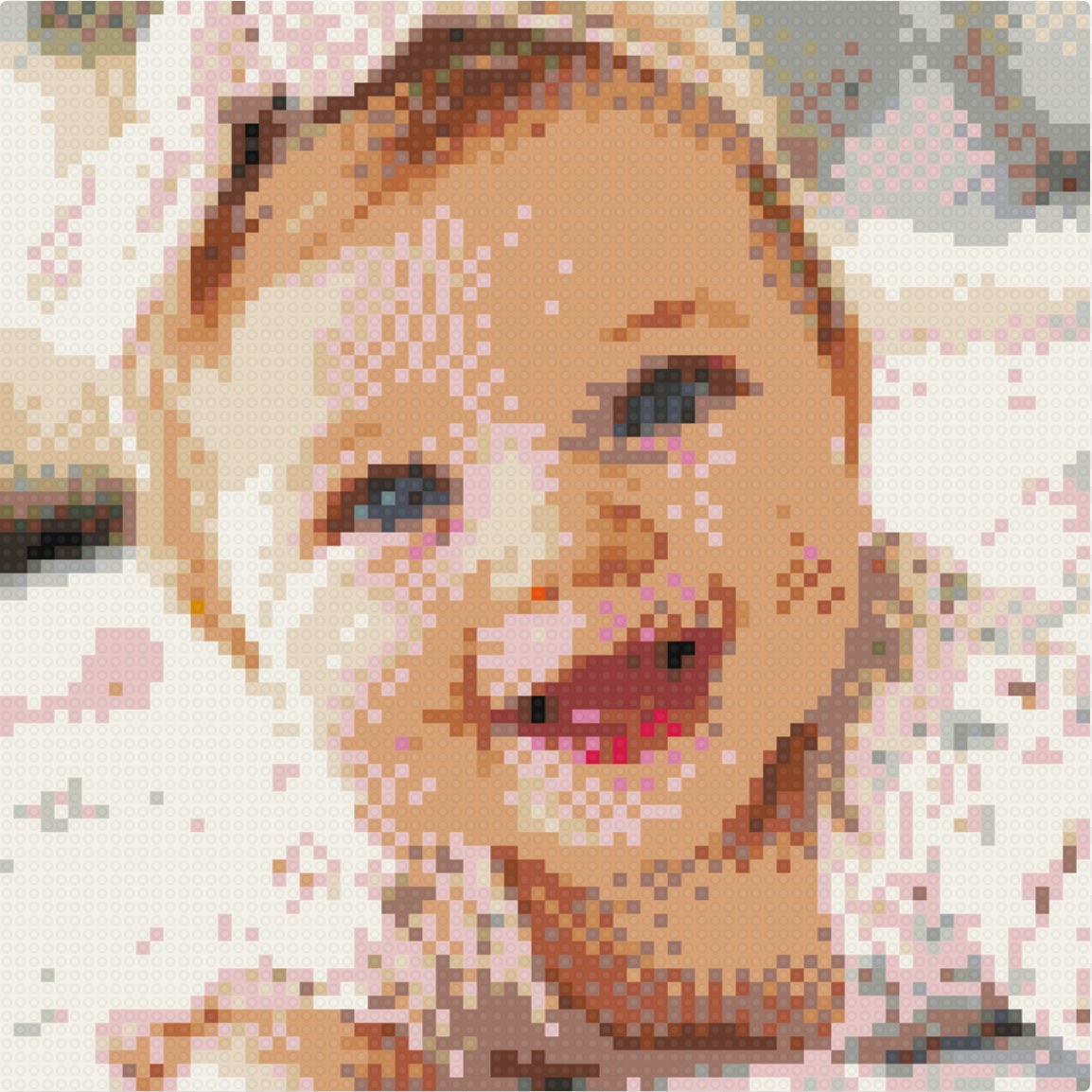
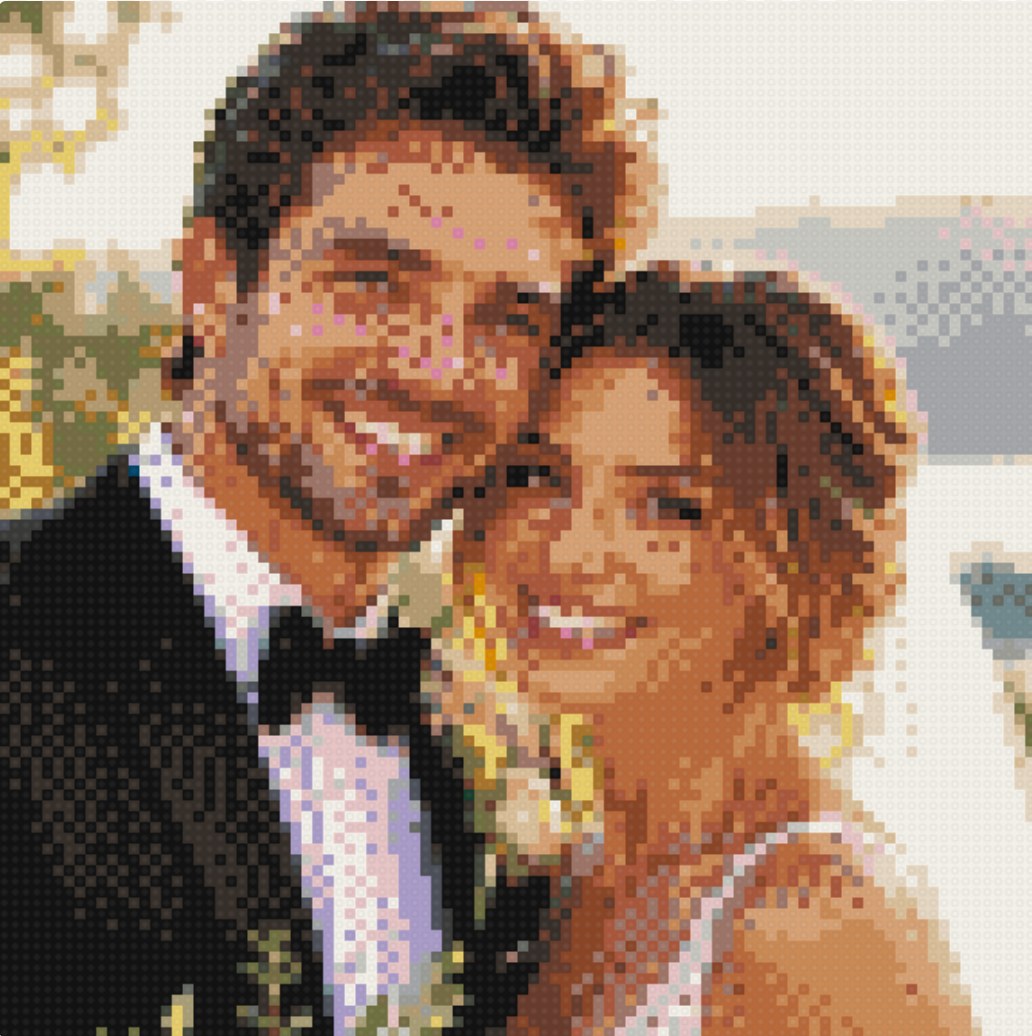
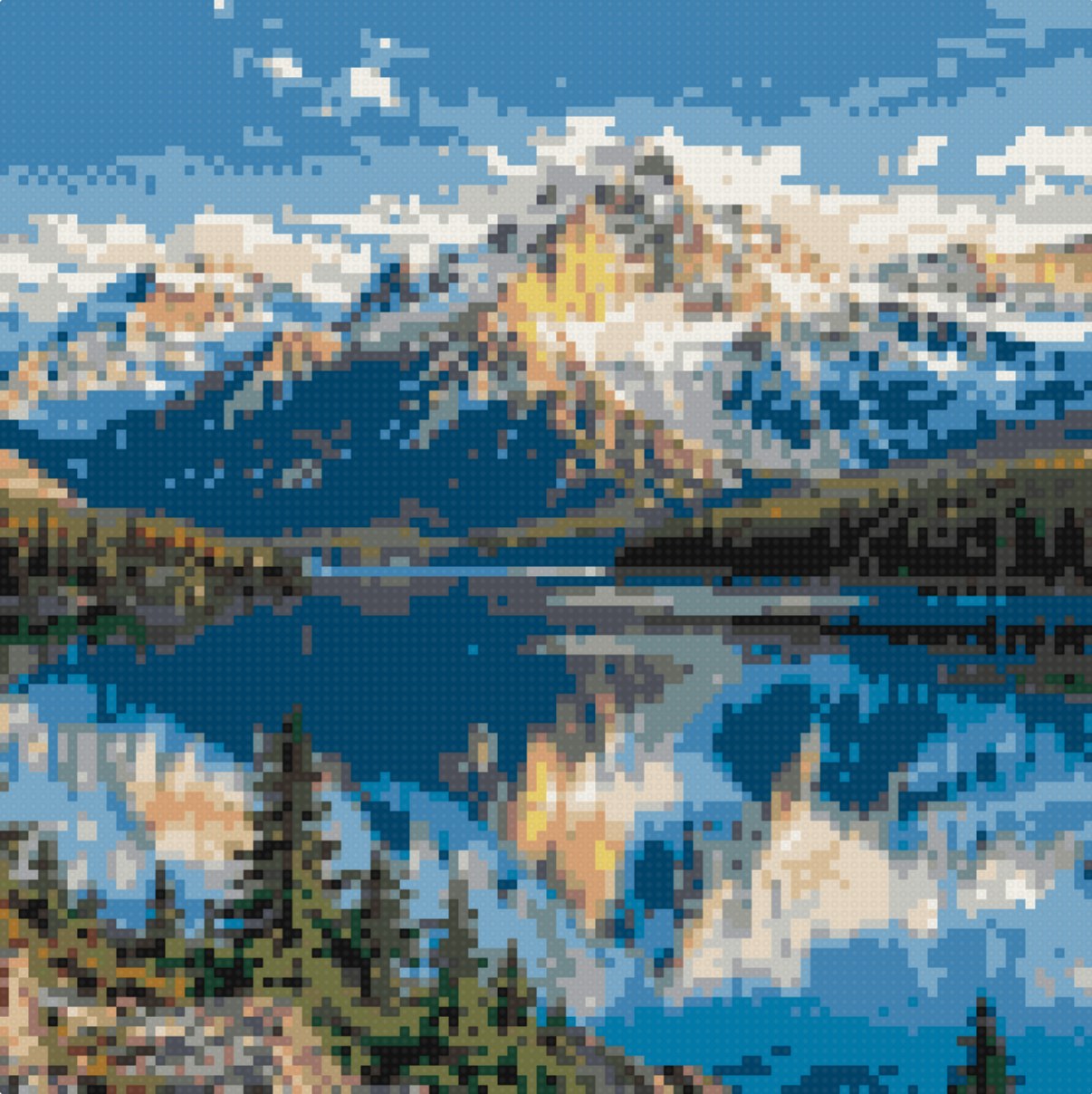
FAQs
What photos work best?
Clear, well-lit photos with one main subject — a pet, a person or a couple. You'll see the exact pixel result before you buy, so you can tell immediately whether a photo will translate well.
How does my photo become pixel art?
Everything happens right in your browser. We convert your photo into a precise grid of tiles using only colors we physically make, and you watch the artwork build live as you adjust it.
Do I have to upload my photo to a server?
No. Your photo never leaves your browser while you design — it's only used to generate your artwork preview on your own device.
What colors are available?
Your preview only uses colors that match our brick colors — from classic black and white to rich blues, greens, reds and warm neutrals. No color appears in your kit that wasn't in your approved preview.
Can I change the artwork myself?
Yes. Beyond crop, style and color controls, the editor lets you recolor any single tile by hand until the piece is exactly right.
What is a panel?
Each panel is a 5″ square backing plate holding a 16 × 16 grid of 256 tiles. Larger artworks are built by assembling labeled panels — A1, A2, B1 and so on — into the full picture.
Your photo. Your wall. Your hands.
Create your artFrom the blog


