
How it works
Your favorite photo to custom mosaic brick art.
Everything happens right here on the site — then your finished kit arrives with every tile, panel and instruction you need.
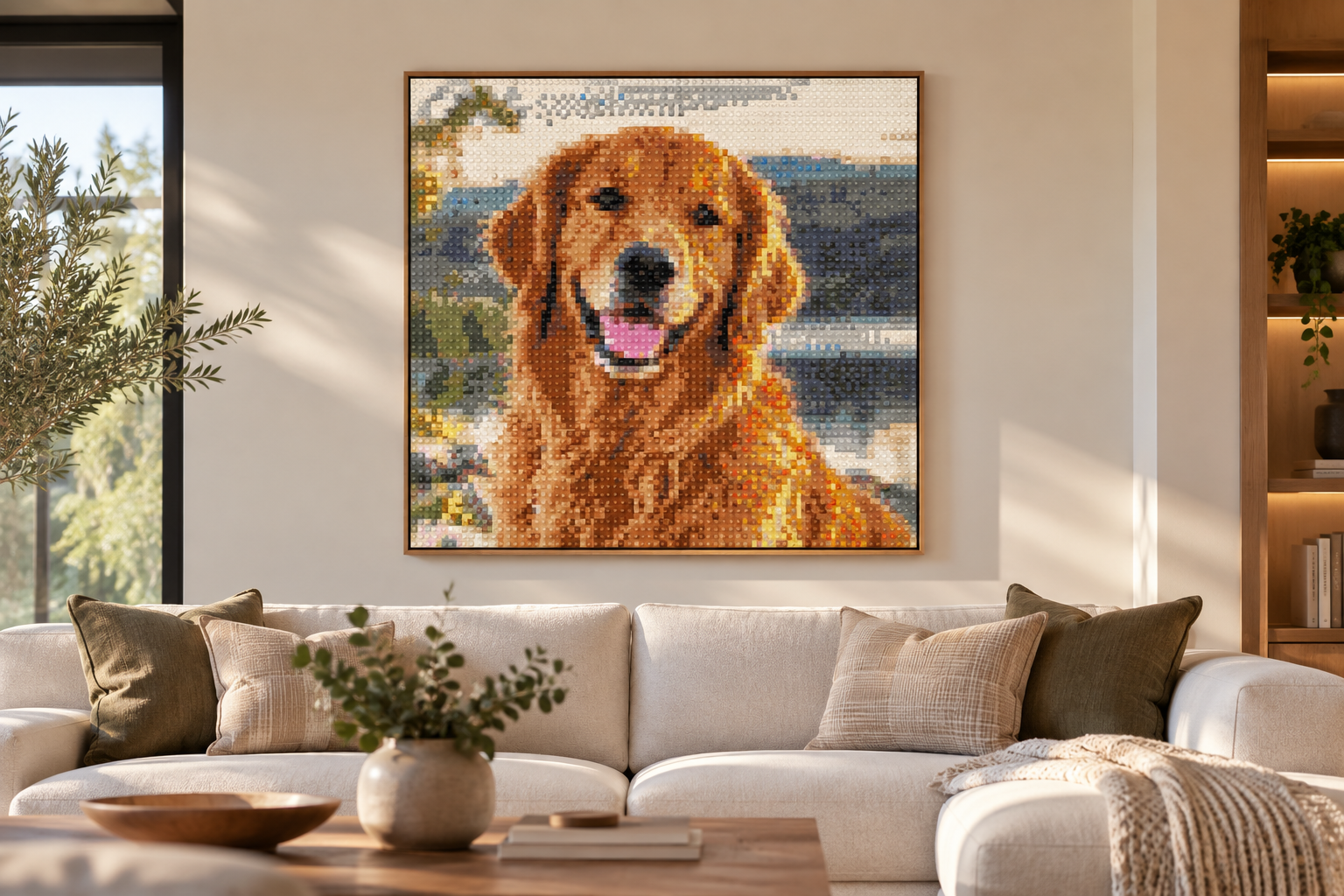
Upload your picture
Drop in any photo — pets, people, places. A clear photo with one main subject gives the best result. Your photo never leaves your browser while you design; it's only used to generate your artwork preview.
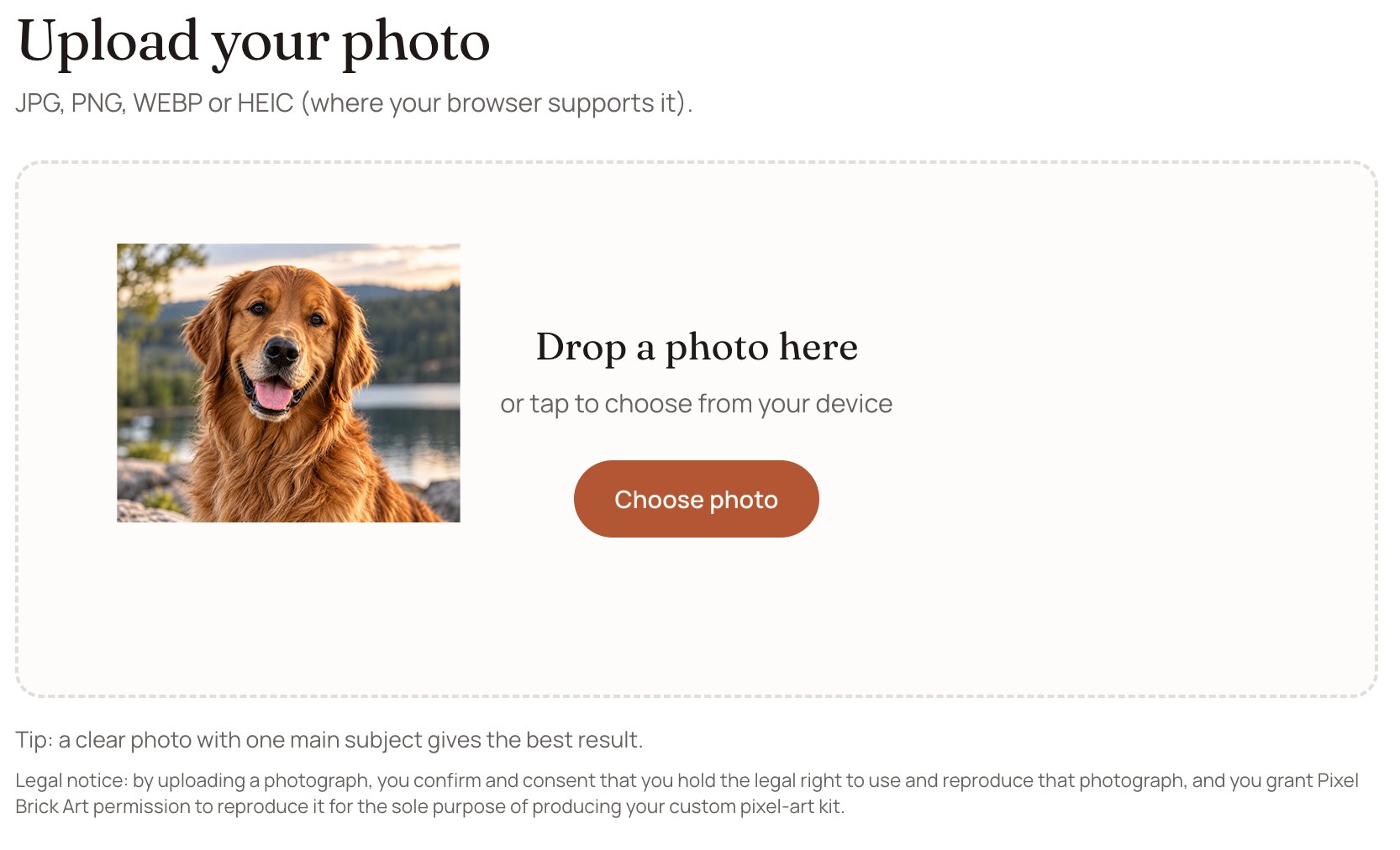
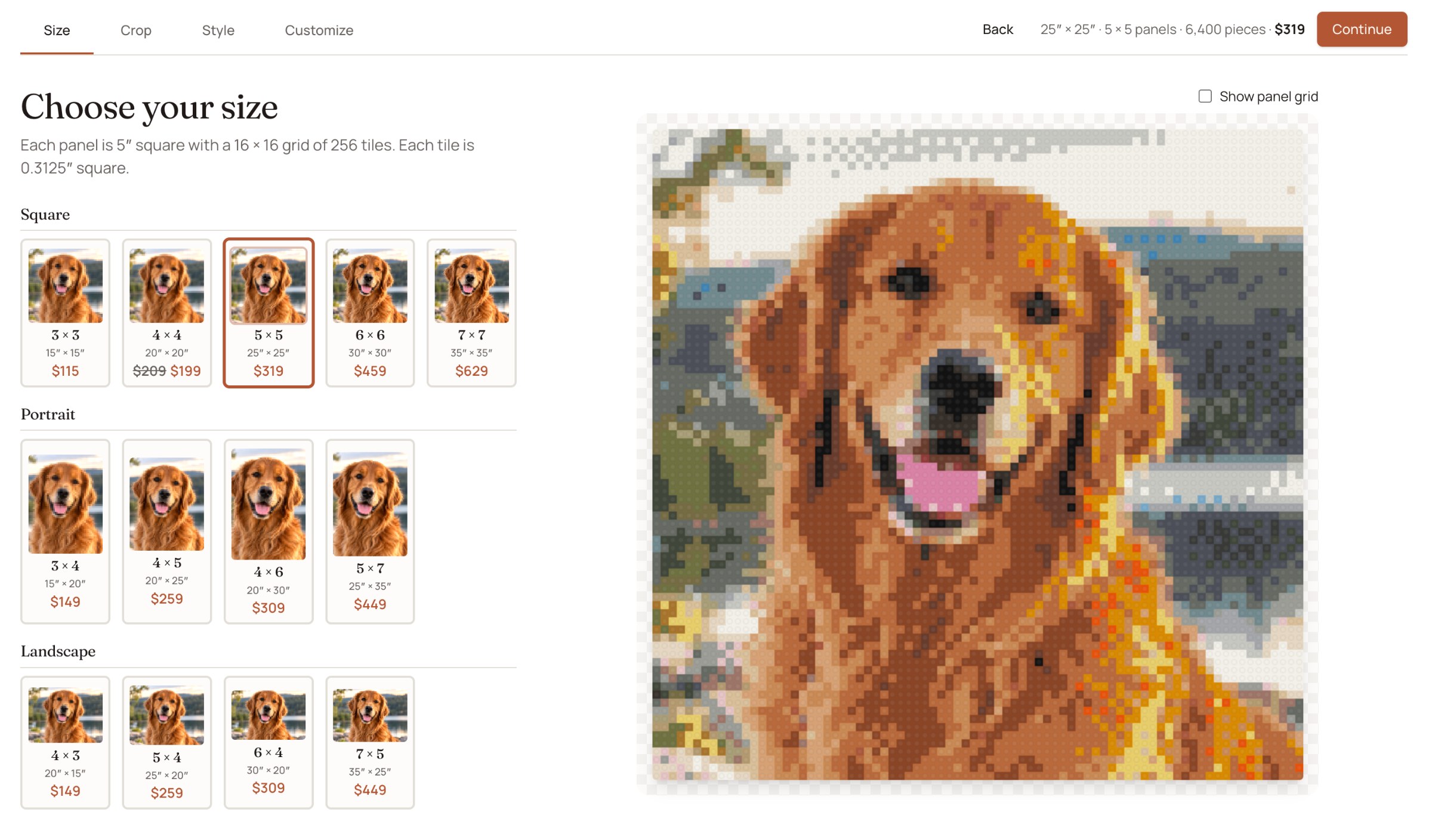
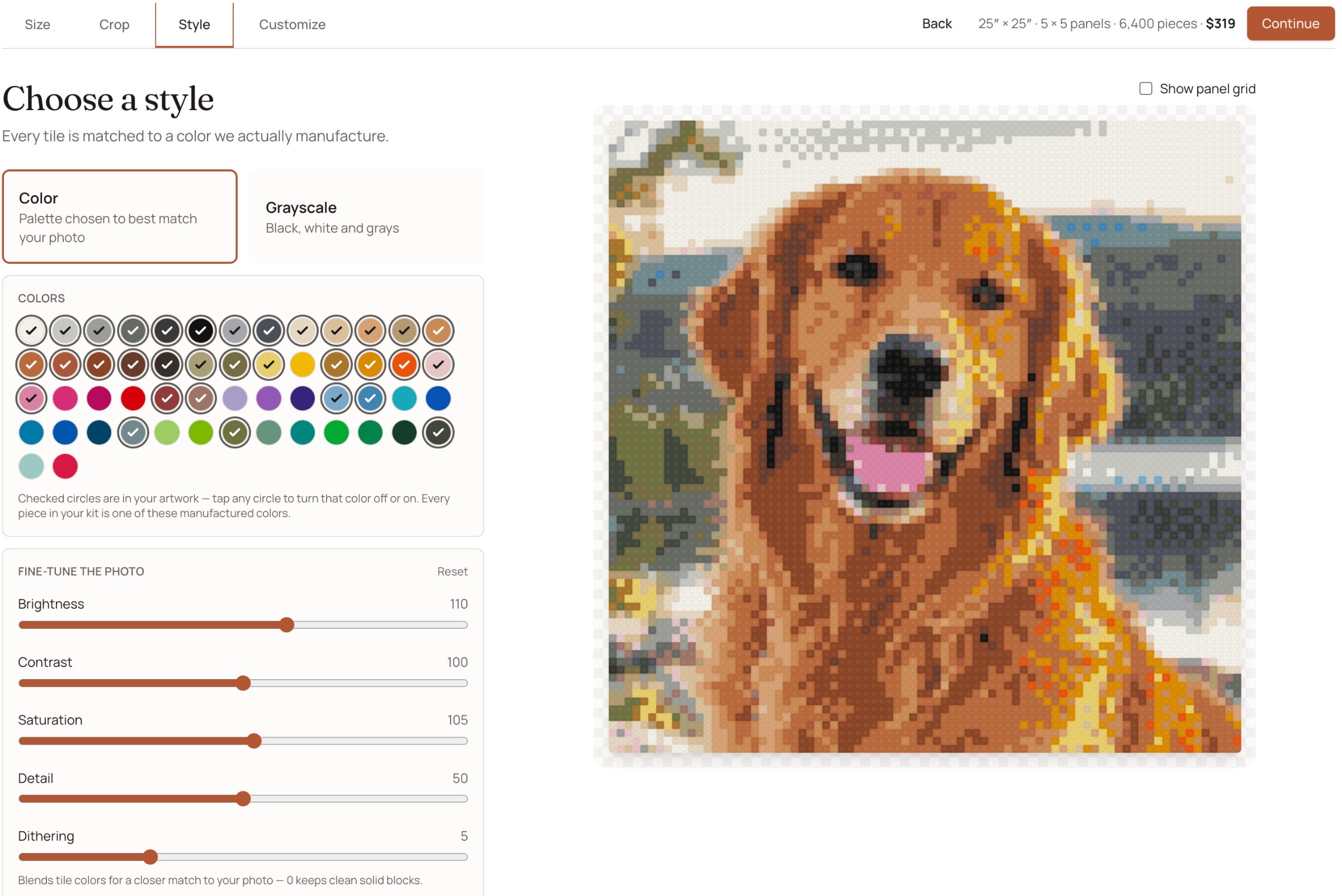
Pick your size & customize the image
Choose square, portrait or landscape — the price updates as you go. Then fine-tune the look with crop, style and custom color controls, editing any single tile by hand until it's exactly right.
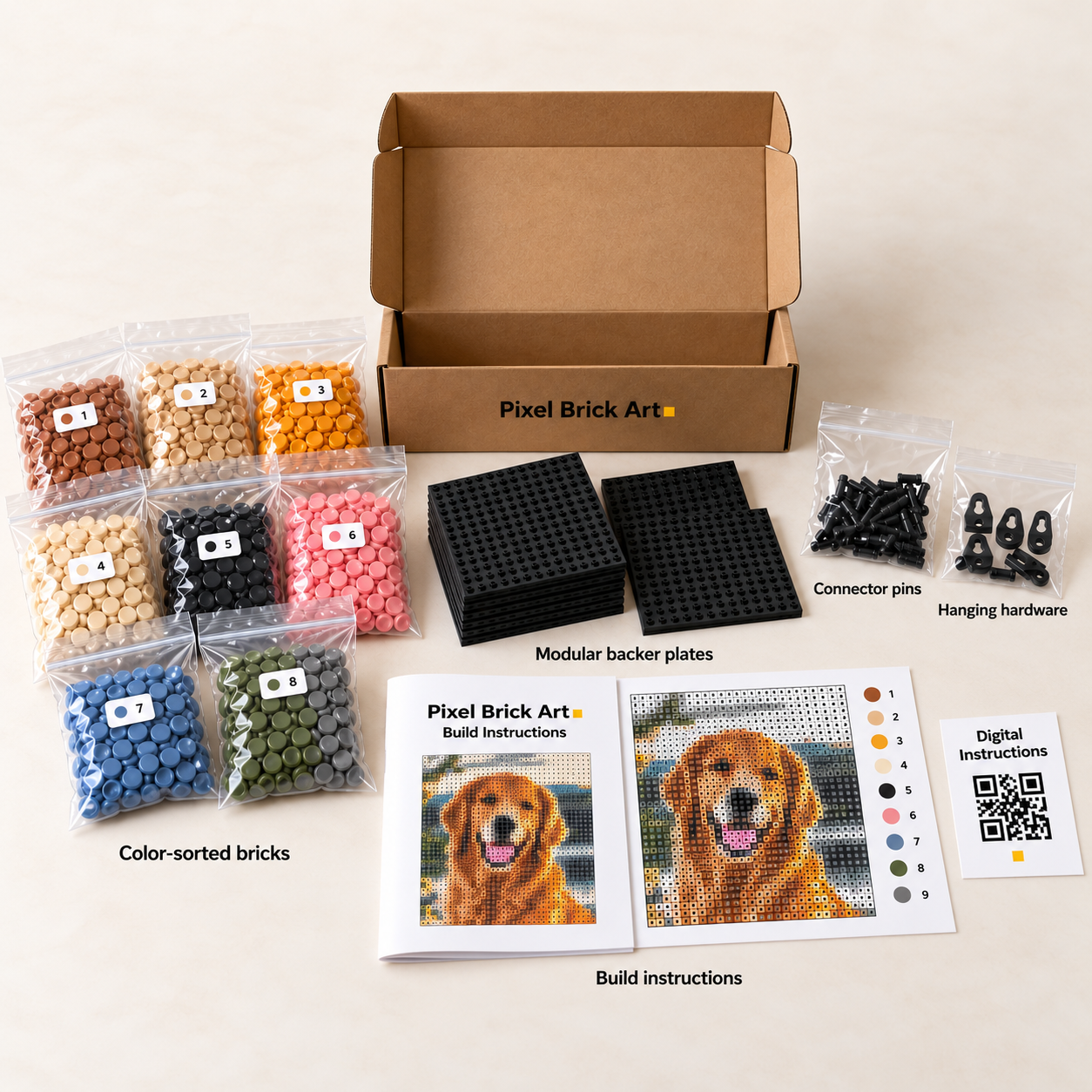
Receive Your Kit with Detailed Instructions
Your approved design is locked as the build specification. The kit that arrives has every tile, numbered plates and connecting pegs — build each labeled panel one at a time, then hang them together as one piece.
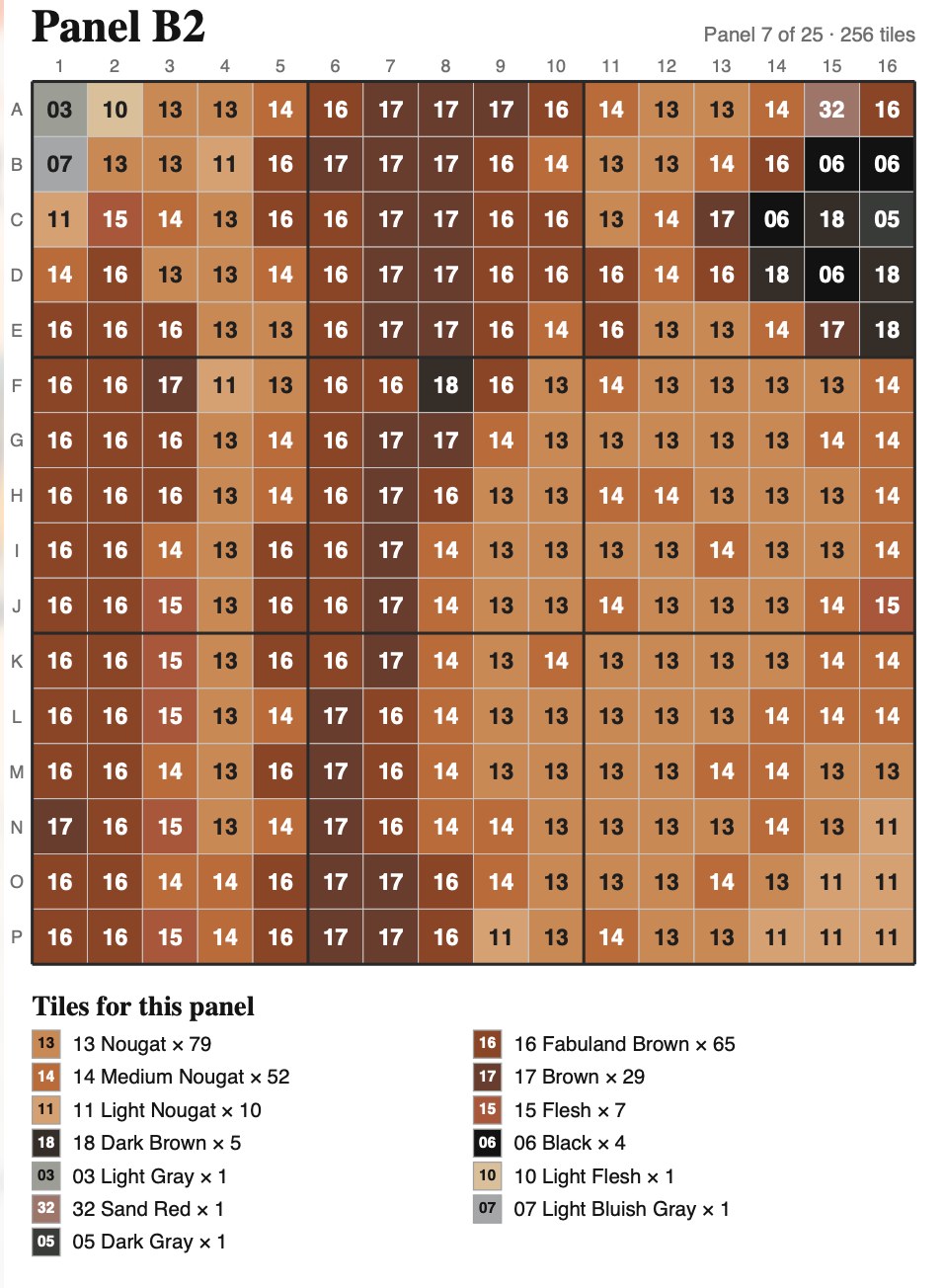
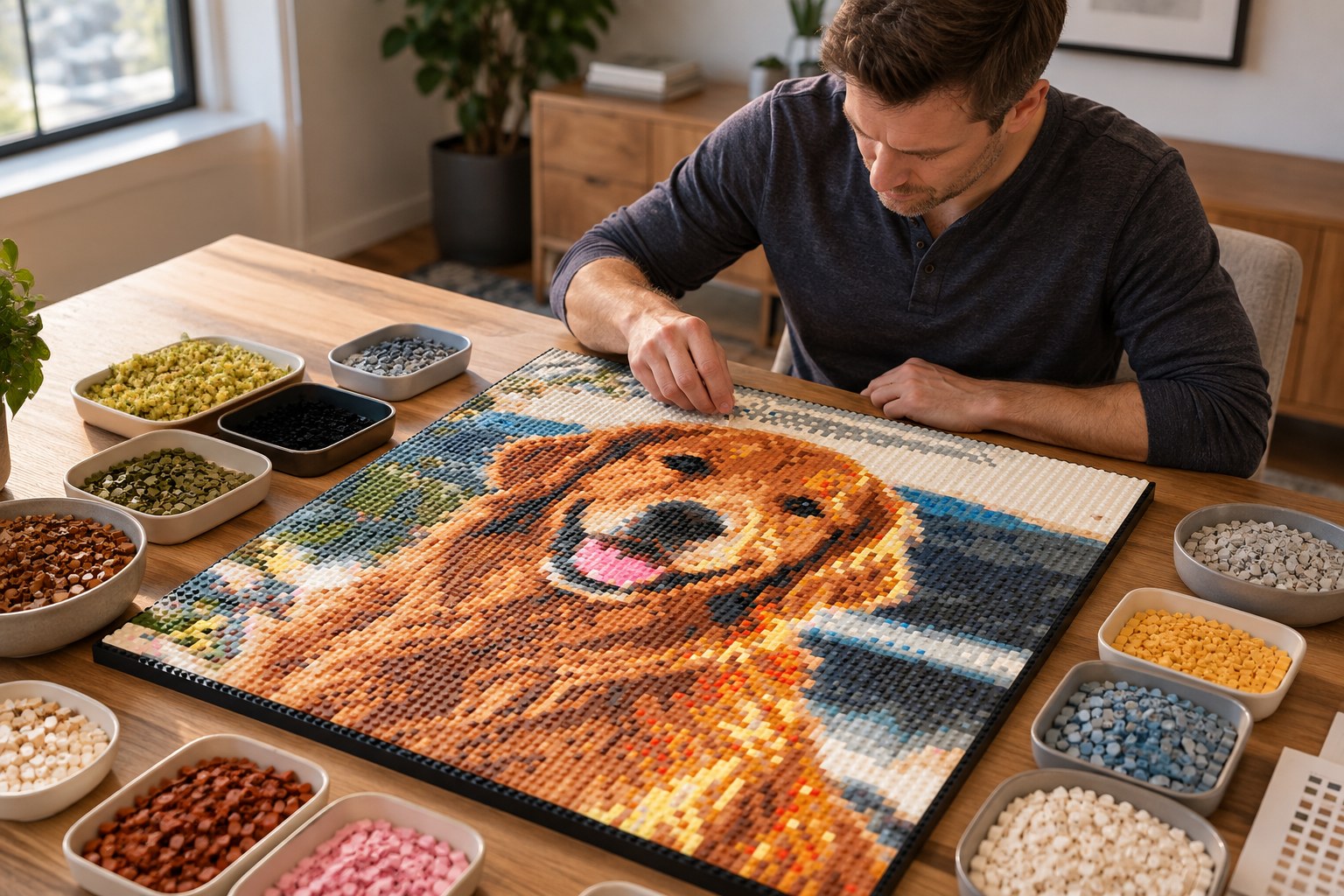
Build it!
Sort your tiles by color number, press them onto the numbered plates panel by panel, then connect the panels and hang your finished piece.