
Turn Any Photo Into a Brick Mosaic
Use our free brick mosaic maker to turn your favorite photo into custom brick art and preview it instantly.
Upload Your PhotoCreate Your Brick Mosaic
Upload a photo to see how it looks as a brick mosaic.
Drag & drop your photo hereor click to uploadChoose a PhotoJPG or PNG · Free to preview
Try an example photo:






What Is a Brick Mosaic Maker?
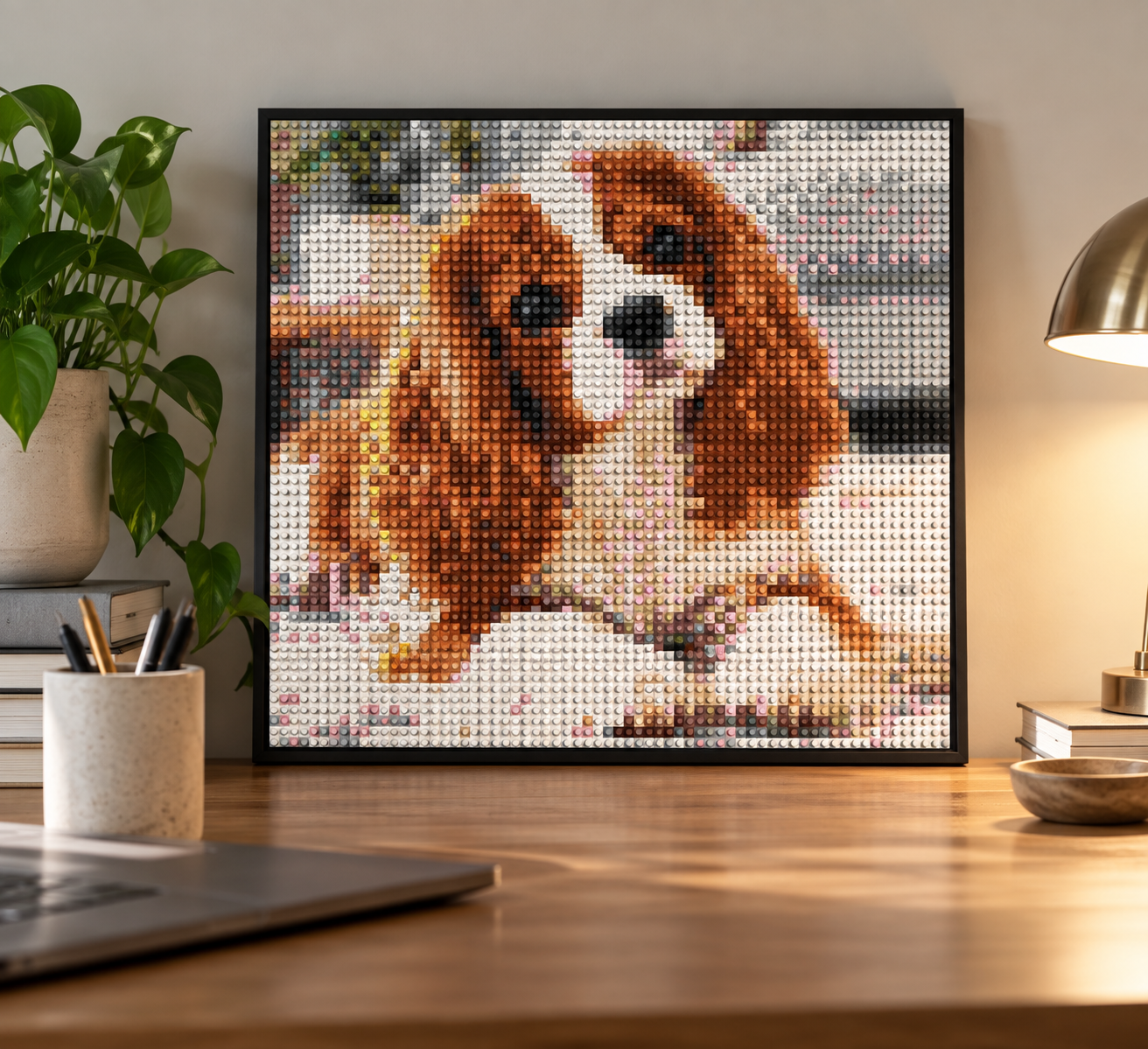
A brick mosaic maker is a tool that transforms a photo into pixel-style artwork designed to be recreated with individual colored brick pieces.
Pixel Brick Art's free brick mosaic maker converts your photo into a mosaic using our available colors and lets you preview the finished design before ordering a physical DIY kit.
Works With Any Photo
Pets, people, places, and more.
54 Vibrant Colors
Converted to precision color matches.
Adjust & Preview
See your mosaic instantly in multiple sizes.
Turn It Into a Kit
Get every piece you need to build and display it.
Popular Mosaic Sizes
Choose the right size for your space. All kits include the pieces, backer panels, and instructions.


How It Works
From photo to finished mosaic in just a few steps.
1. Upload a Photo
Choose a clear, high-quality image.
2. Preview & Customize
See your mosaic and adjust size and colors.
3. Order Your Kit
We prepare every piece for your design.
4. Build & Display
Follow easy instructions to create your art.
Brick Mosaic Maker FAQ
Quick answers about turning your photo into a brick mosaic.
What is a brick mosaic maker?
It's a free online tool that turns your photo into a mosaic of real brick tiles. Upload a picture, watch it rebuilt as a grid of tiles in the colors we actually manufacture, then order the exact kit needed to build that artwork.
Is the mosaic maker free to use?
Yes. Uploading, previewing and adjusting your mosaic costs nothing and never asks for payment details — you only pay if you decide to order the kit for the artwork you approve.
What photos work best for a mosaic?
Clear, well-lit photos with one main subject — a pet, a person or a couple — translate best. Because you see the exact tile result before you buy, you can tell immediately whether a photo will work.
How many bricks are in a mosaic?
Each panel holds a 16 × 16 grid of 256 tiles, so a 3 × 3 piece is 2,304 tiles and the popular 5 × 5 is 6,400. The finished size you pick sets the count, and your preview shows the exact grid.
Can I choose the colors in my mosaic?
You decide how much color detail to keep — from a restrained palette up to the full 54 colors we make. No tile appears in your kit that wasn't already visible in your approved preview.
What arrives when I order a kit?
Every tile you need sorted by color, the labeled backing panels, the pegs that connect them, and printed build instructions with a numbered map for each panel. No glue or tools required.
How long does a mosaic take to build?
Smaller pieces are a satisfying evening project; larger ones make a cozy weekend project. Sort the tiles by color, fill each panel, then connect the panels into one finished piece.
More details: All FAQs · Sizes & pricing · How it works

Make It Yours
Turn your favorite memories into something real with Pixel Brick Art.
Upload Your Photo